Disney Plus Video Downloader
Download Disney Plus movies and TV series as MP4/MKV files in HD 720p for offline viewing anywhere, anytime.
 100% Safe & Clean

Why Do You Need iMovieTool Disney Plus Downloader?

Disney+ officially doesn't support downloads on computers (PCs/Macs) and you can't save Disney plus videos permanently
- While Disney+ allows offline downloads, but it comes several download and playback limitations. The official Disney+ app severely restricts downloads to mobile devices, lacking native support for Mac/PC/laptops. Secondly, not all titles on Disney Plus are downloadable. Disney+ only allows to download and play the video content within its official app, and requires an active Premium subscription. Worse, the Disney+ downloads expire after 30 days if unwatched and within 48 hours of starting playback.
- iMovieTool Disney Plus Video Downloader helps download Disney+ movies or TV shows on computer permanently and convert Disney Plus videos to MP4 or MKV format, so that you can play them offline anytime, anywhere.
How Can iMovieTool Disney Plus Downloader Help You?
Helps you to download Disney Plus videos to Windows/Mac computer
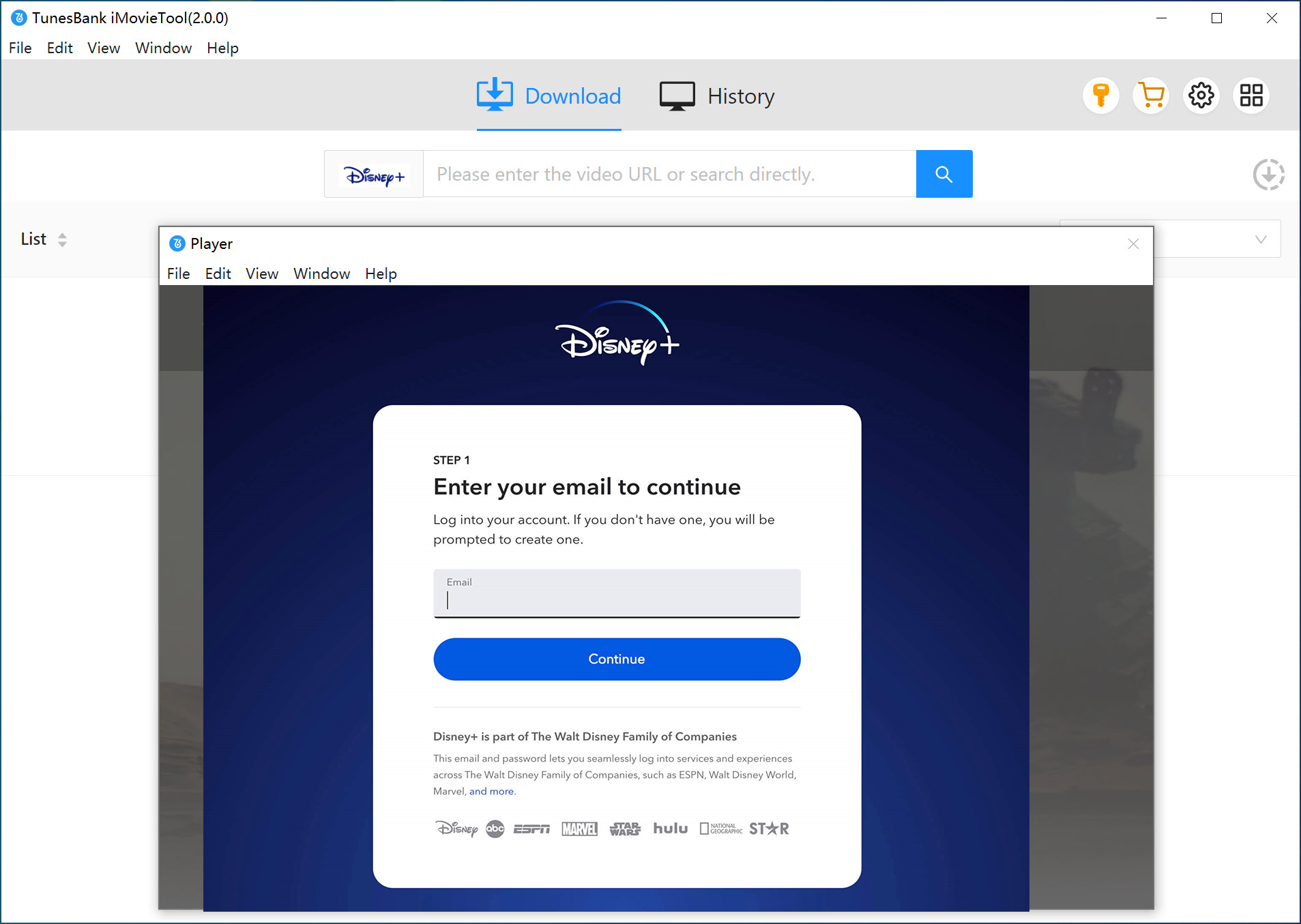
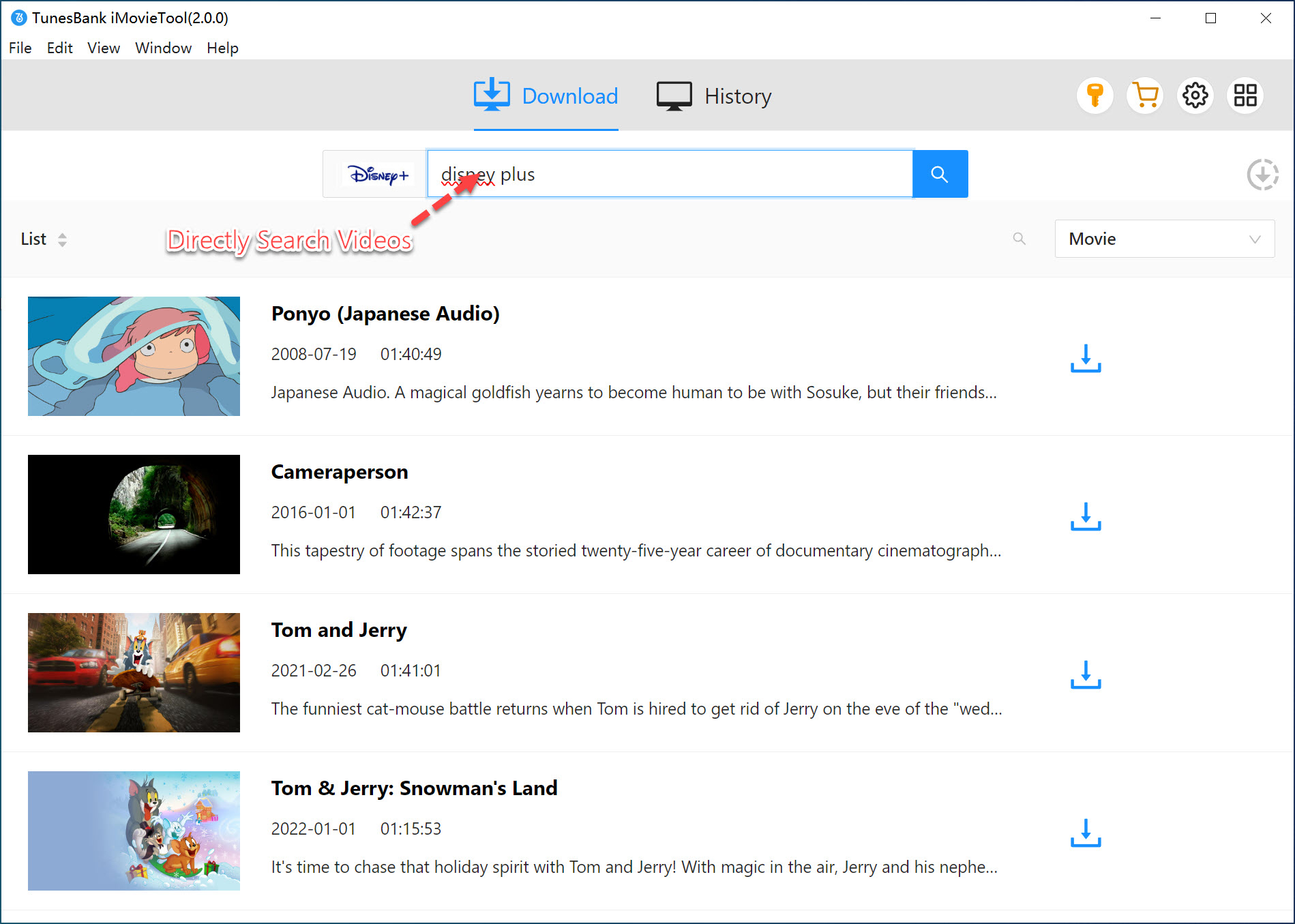
- Although you cannot directly download Disney+ videos for offline viewing on Windows or Mac computers using the official app or browser, but with the help of iMovieTool Disney Plus Downloader, you can easily to download any Disney+ videos to computer, including movies, TV series, documentaries, and shorts from Disney, Pixar, Marvel, Star Wars, National Geographic, and 20th Century Studios.
- Whether are on a flight or long commutes without Wi-Fi connection, after saving saving Disney plus videos on your computer permanently, you can play them offline on any devices without the Disney Plus account and Disney Plus app.

Make your Disney+ Shows/Movies Downloads Never Expire with the Best Disney Plus Downloader

Download HD 720p Disney Plus Video to Computer
- iMovieTool Disney Plus Video Downloader lets you download any Disney+ movie, TV series, episode, or short film on Windows PC, laptop, or MacBook/iMac, including Disney, Pixar, Marvel, Star Wars, and Nat Geo titles. With three steps, you can download Disney Plus movies/TV shows in batch, and these downloaded Disney Plus will remain in high 720p HD quality (or even 1080p/4K for supported titles) with EAC3 5.1 audio, which provide you with a cinema-like offline viewing experience.
- iMovieTool supports all types of Disney+ subscription plan, whether it's Basic or Premium, it offers unlimited downloads, no ads, no quantity limits, and all Disney+ downloads never expire.

Convert Disney+ Video to MP4 or MKV Format
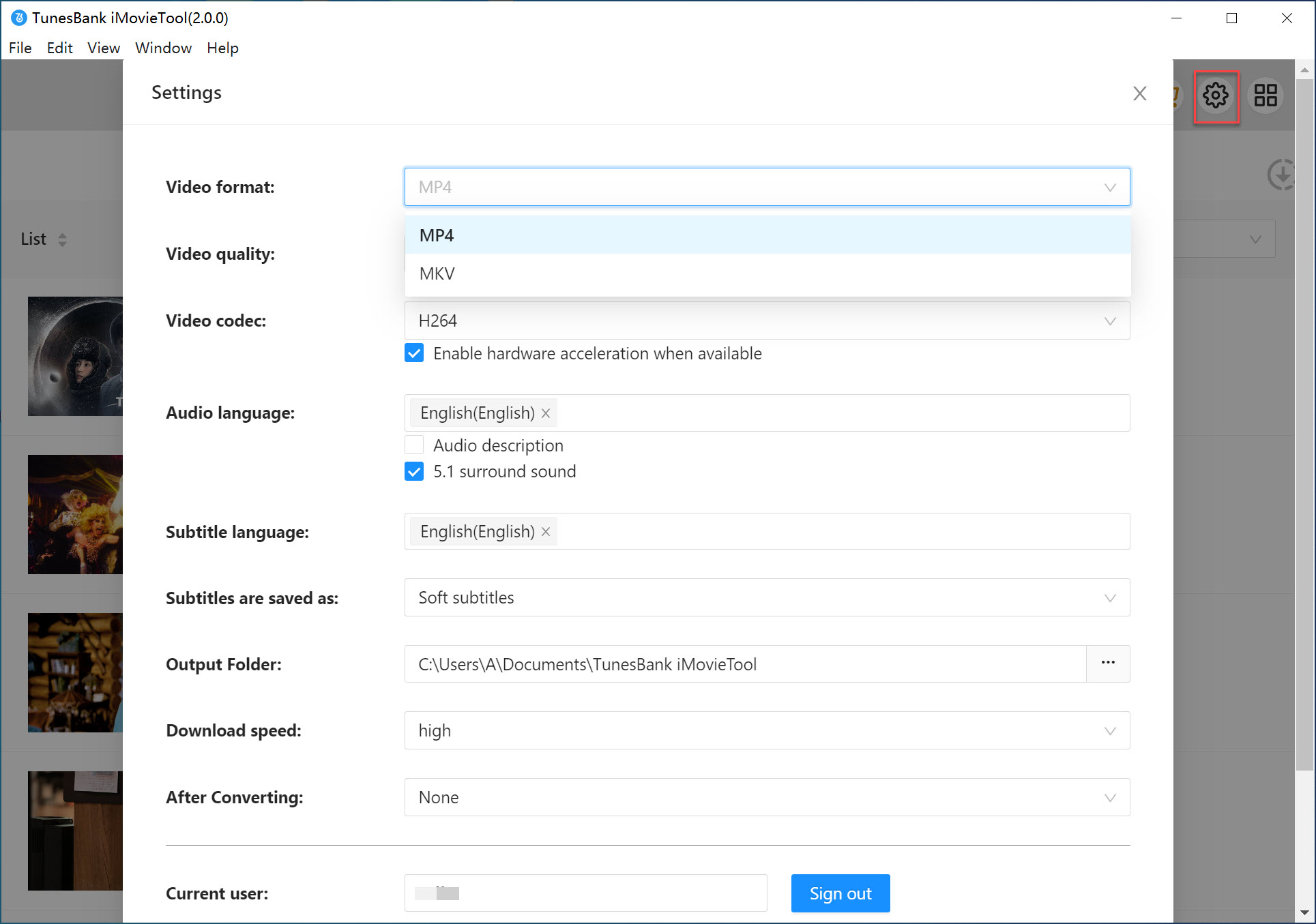
- iMovieTool Disney Plus Downloader lets you quickly convert Disney Plus videos to MP4 or MKV formats in bulk, so you can freely play them on various devices, including Windows PC, laptop, Mac, iPhone, iPad, Android phones, tablets, Smart TVs, USB drive, SD card, MP4 player, car media player, and game consoles, as well as playing them via any media player you like, such as WMP, VLC, Quicktime player, VLC, and iTunes.
- After downloading Disney+ videos to MP4 or MKV files, you can watch your favorite Disney movies and TV series on any devices that are not supported by Disney+.

Batch Download Disney+ TV Shows and Episodes
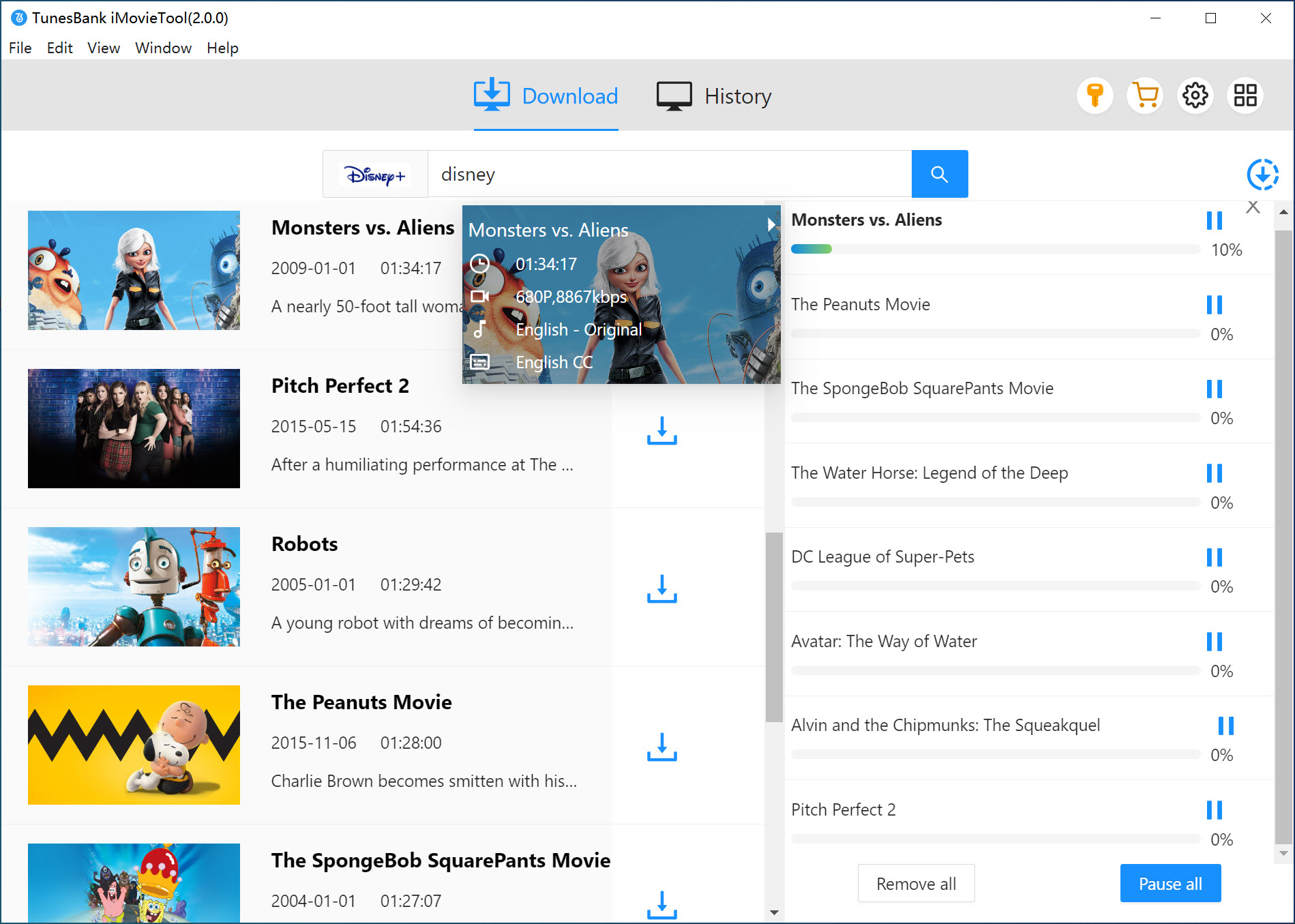
- While Disney+ limits downloads to a maximum of 25 titles per account, iMovieTool Disney Plus Downloader offers batch download function for you to download unlimited movies and TV episodes without relying on the Disney+ app or platform limitations. With the batch download feature, you can batch-download multiple episodes of a Disney+ TV series, full TV series seasons, or all seasons of the desired TV series in one click simultaneously!
- To deliver a stable and speedy Disney+ video download experience, the software has applied advanced hardware acceleration to speed up the performance 50X super-faster, which is quite time-saving!

Preserve Audio Tracks and Subtitles in Multiple Languages
- iMovieTool also offers multiple language subtitles and audio tracks for Disney+ video downloads, you can flexible customize which audios languages and subtitles you need before downloading, such as English, Spanish, French, Japanese, etc. Plus, it preserves Dolby 5.1 surround sound, so you can enjoy a cinematic sound experience.
- iMovieTool also offers 3 types of multilingual subtitles for you to choose before downloading, including hard subtitles, soft subtitles, and external subtitles(saved separately as SRT files). It's easy to customize your offline viewing experience. This function is very helpful for multilingual users or those who are learning a new language.
Watch ad-free Disney Plus Video Offline on Any Device
- iMovieTool Disney Plus Downloader delivers an ad-free, smooth, safe and seamless video downloading and offline viewing experience. It completely help you remove all the ads and commercials from the Disney+ movies and shows, even you are using a Basic plan (With Ads).
- With iMovieTool, you can easy and seamlessly download an unlimited number of Disney Plus movies, shows, and TV series on your computer, no expiration dates. What’s more, you are able to transfer Disney+ downloads to USB, SD card, MP4 player, and any devices, to watch Disney+ videos offline, enjoy ad-free viewing experience anywhere and anytime.

See Why Users Choose iMovieTool Disney Plus Downloader

What I love this tool is its inbuilt browser. No need to install the Disney Plus app. It supports to directly browse and search for any Disney Plus content for downloading. I can even choose my preferred language - Korean, I am not an Englisher. Very convenient, this product is good.

Gerald

iMovieTool Disney Plus Downloader is the best I've used - simple UI, easy controls, high speed, great quality, and perfect offline watching. Love it!

Isaac
I am a big Marvelity. I used iMovieTool to download Marvel movies from Disney Plus. I can save any Marvel movies I like in MP4 HD files, and burn them into DVDs for collection. Thank you, iMovieTool!

Hebrew
Compared with other similar software I've tried, iMovieTool should be the most stable one. Its download speed can reach up to 50X faster. The video quality is good, and bugs are minimal. It greatly helped me build my offline library.

Charlotte
I care about video quality, and iMovieTool always delivers a great viewing experience. Custom download settings let me enjoy the 5.1 surround sound. A good product, highly recommend.

Jonas
When I looked for a way to download Disney Plus movies on my laptop, I happened to get this downloader from Google. After trying, I found it worked perfectly, from the software performance to after-sales service, it's worth it!

Liam
Frequently Asked Questions