By LisaUpdated on January 30, 2026
📢 Summary:
Do you want to save Disney Plus videos on USB drive? This guide will teach you how to download and transfer Disney Plus movies/shows to USB drive with Basic account, helping you unlock offline playback across devices.
From timeless classics to exclusive originals, Disney Plus attracts millions of viewers, especially fans of blockbuster movies from Disney, Pixar, Marvel, Star Wars, and National Geographic. If you subscribe to Disney Plus Premium, you can even download Disney Plus movies and shows to watch offline. Meanwhile, Disney Plus imposes strict download restrictions, allowing playback only within the app and for a limited time. Therefore, many users are searching for ways to download Disney Plus movies to a USB drive for offline playback on TVs, cars, projectors, laptops or computers.
How to do it? This article is written to help you save and watch Disney Plus videos in a USB flash drive! We'll walk you through a reliable solution to download Disney Plus movies to MP4 and store them on a USB drive permanently. Let's dive in!
Can You Download Disney Plus Movies to USB Drive?
To put it straight, Disney Plus does not allow users to download movies or TV shows to a USB drive through its official app. First, Disney Plus only lets you download Disney+ content on the mobile devices. For another, these encrypted cache files can only be played within the Disney Plus app. You can't transfer the Disney Plus downloads to a USB drive or any other device.
Furthermore, Disney Plus downloads come with expiration limits. Most downloaded Disney movies expire after 30 days, or sooner if you haven't connected to the internet. Once expired or removed from the platform, the Disney+ downloads become unplayable, even if you've downloaded them on your mobile device.
Best Tool to Download Disney Plus Movies to USB: iMovieTool Disney Plus Video Downloader
Normally, you cannot download Disney Plus movies on Mac or Windows computers using the official app. To save Disney Plus movies to USB flash drive, a third-party tool to download Disney Plus movies to MP4 is a must for this mission.
Here iMovieTool Disney Plus Video Downloader comes into play. It is a professional desktop tool designed specifically to help users download Disney Plus movies and TV shows to local computer without the Disney Plus app, regardless of your subscription tier (even for Basic ad-supported). Besides, it can save Disney Plus downloads as MP4 or MKV files without restrictions.
On top of that, iMovieTool can download Disney Plus movies in up to 720p HD, complete with original audio tracks and subtitles. Better still, you may even choose your preferred audio and subtitle language to export the Disney+ videos. Once downloaded, users can easily transfer Disney Plus movies to a USB flash drive, external drive, SD card, phone, tablet, and other portable devices.
Key Features of iMovieTool Disney Plus Video Downloader:
- Download any video from Disney Plus to PC, Mac, laptop.
- Built-in Disney Plus web player, no Disney Plus app needed.
- Download Disney Plus movies, TV shows in MP4 or MKV format.
- Save Disney Plus movies in HD quality with original sound.
- Download multiple movies or entire series seasons in batches.
- Choose from available audio tracks and subtitle languages.
- Save Disney Plus videos on USB drive or external storage, etc.
How to Download Movies from Disney Plus to USB Drive: 5 Simple Steps
Step 1. Launch iMovieTool and Log In
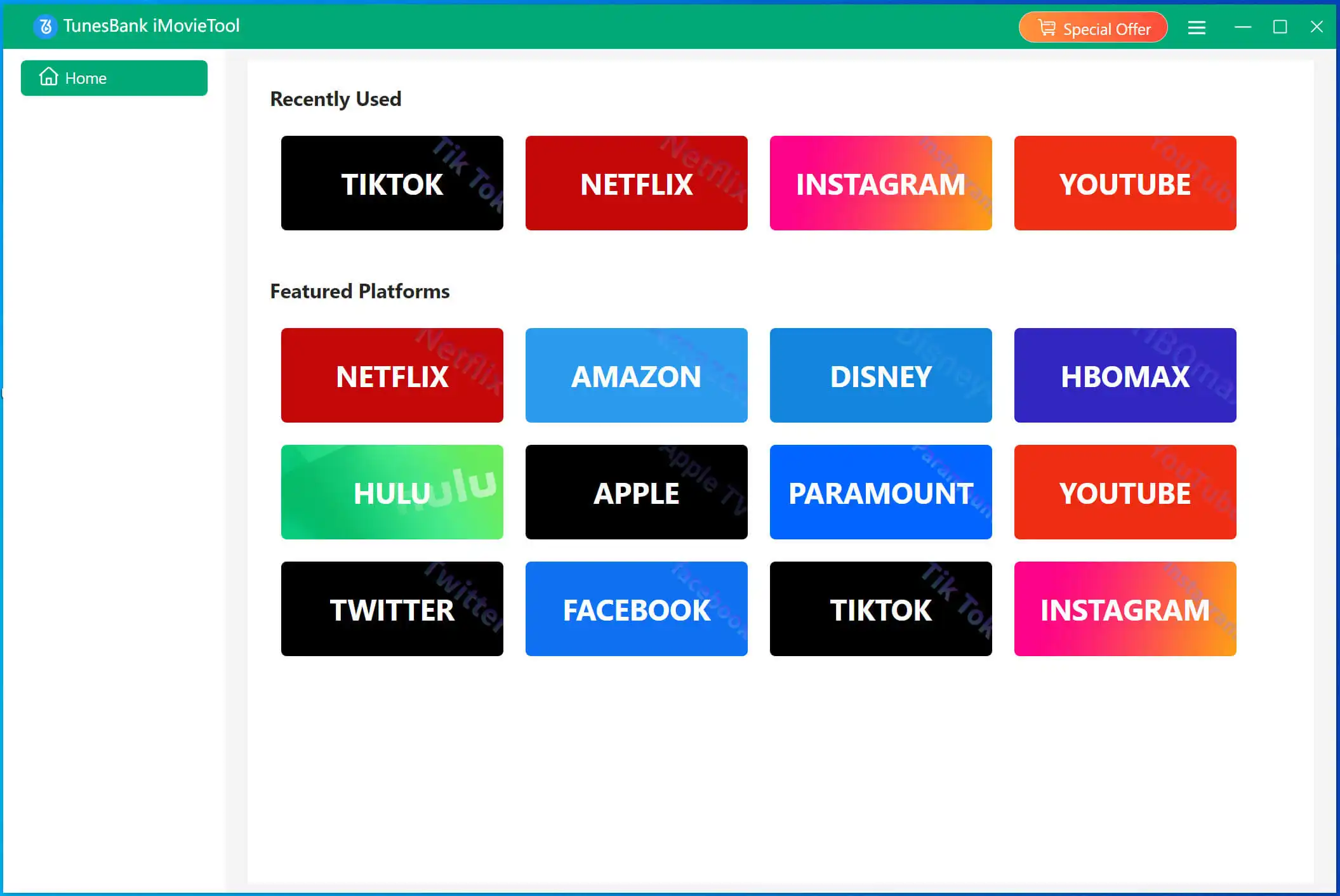
Launch iMovieTool Video Downloader on your computer and select Disney Plus as the platform.
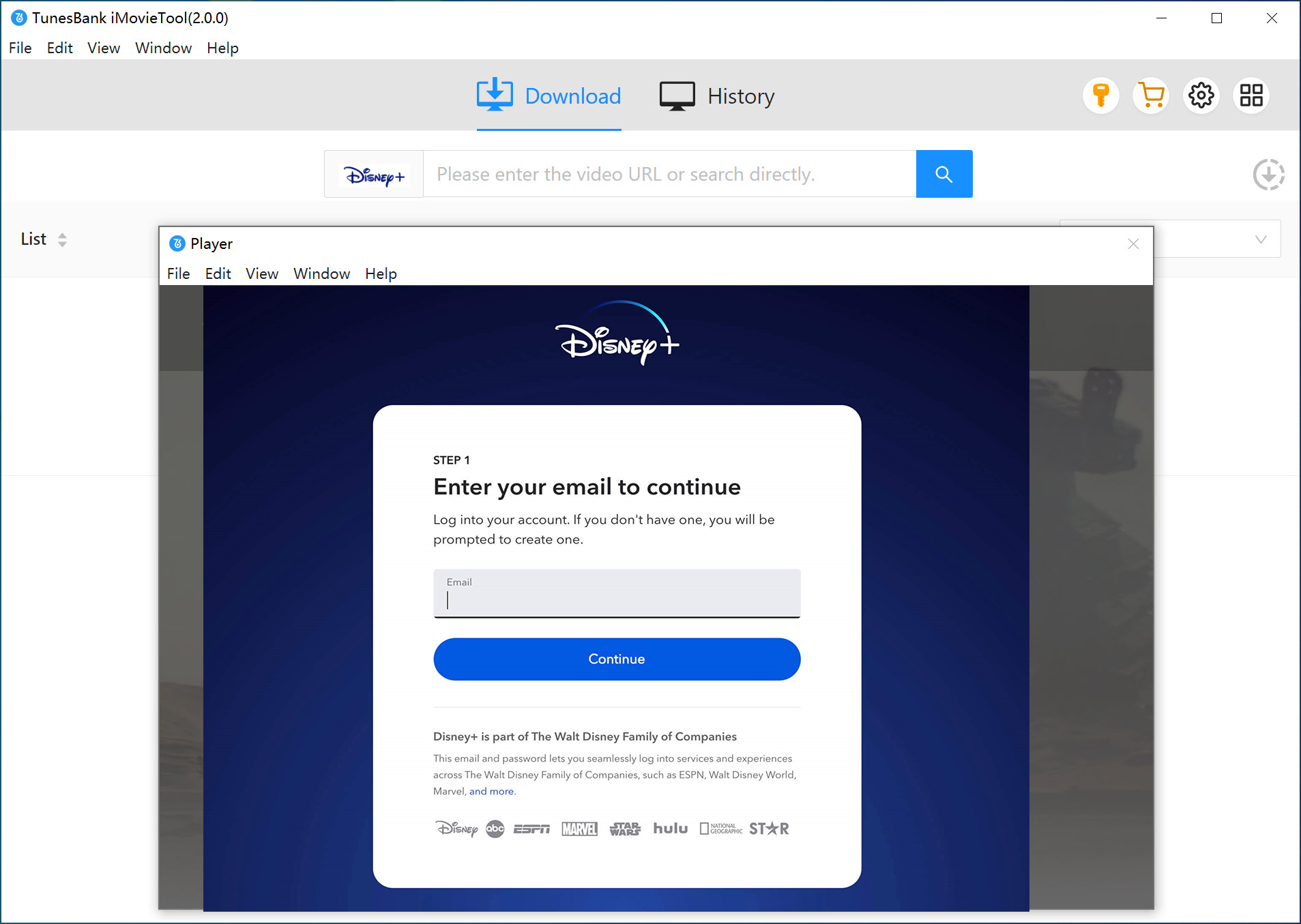
Log in to your Disney Plus account through the built-in web player to access the full movie library.
Step 2. Search for the Disney Plus Movie
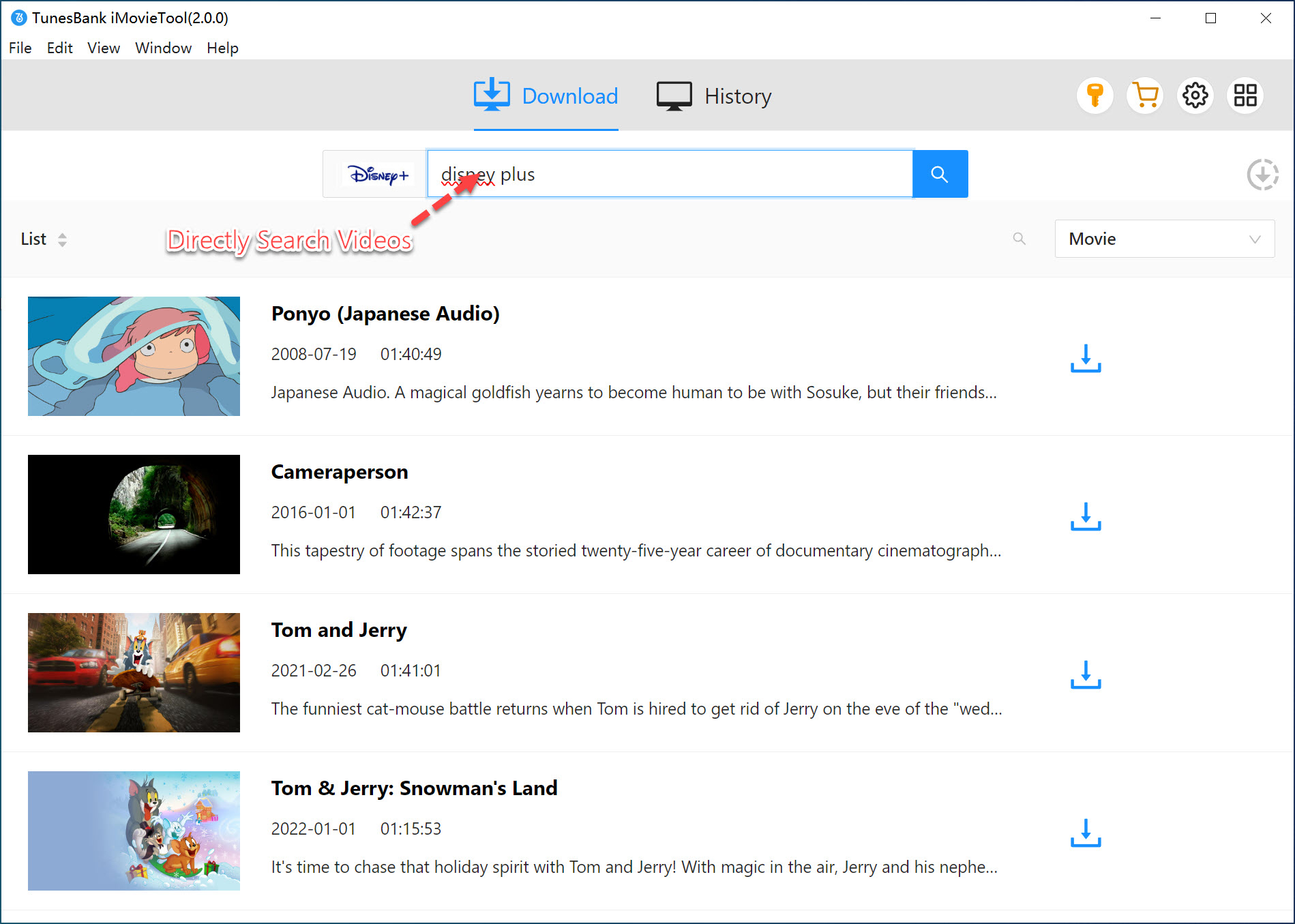
Then, find the Disney Plus movies you want to download. You can search by name, paste a URL, or browse directly.
Using Movie Name: Type the movie title into the search bar, open the result, and select the desired movie or episode for download.
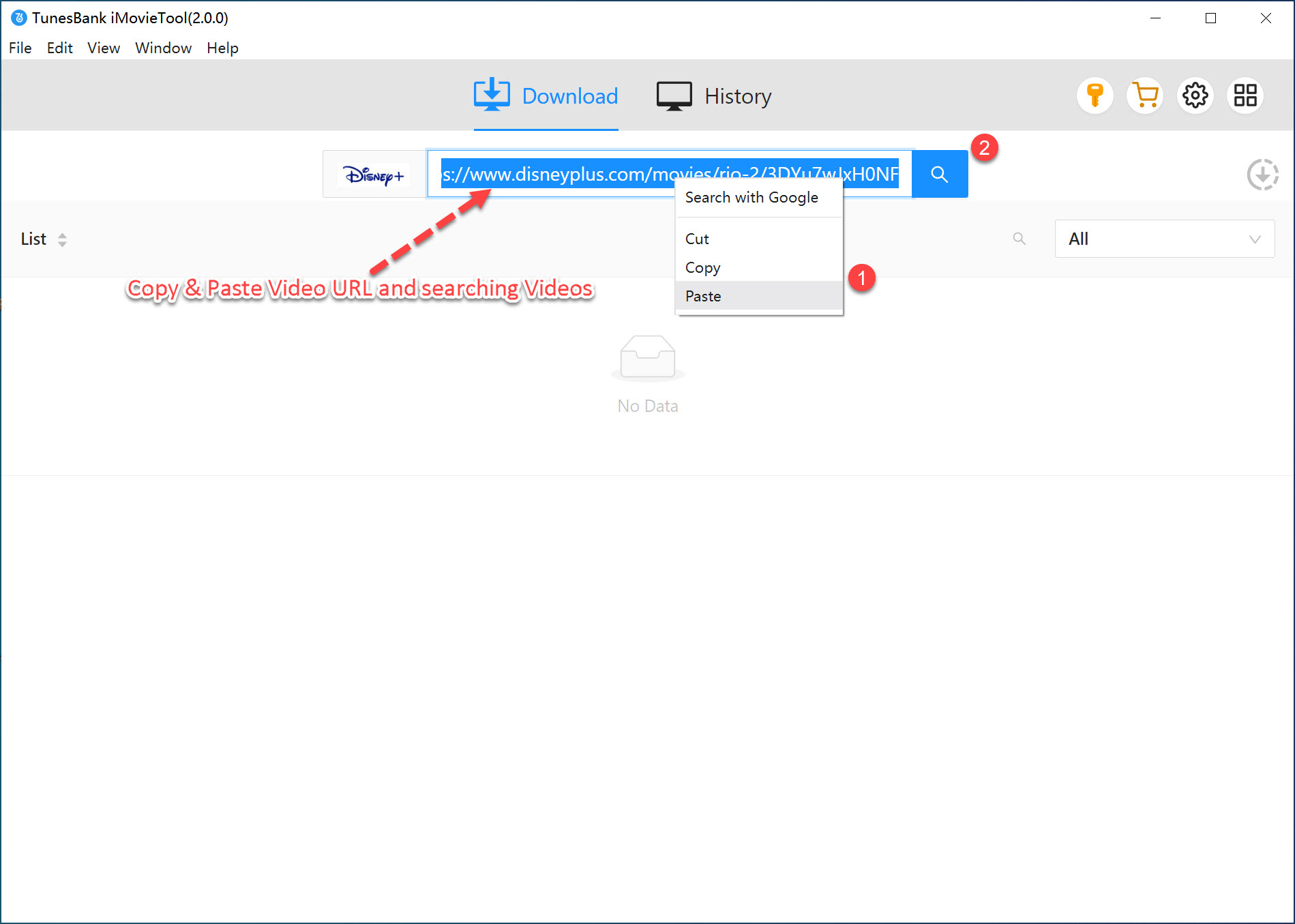
Using Movie URL: Copy the Disney Plus movie link from your browser and paste it into iMovieTool. The software will analyze and load the content automatically.
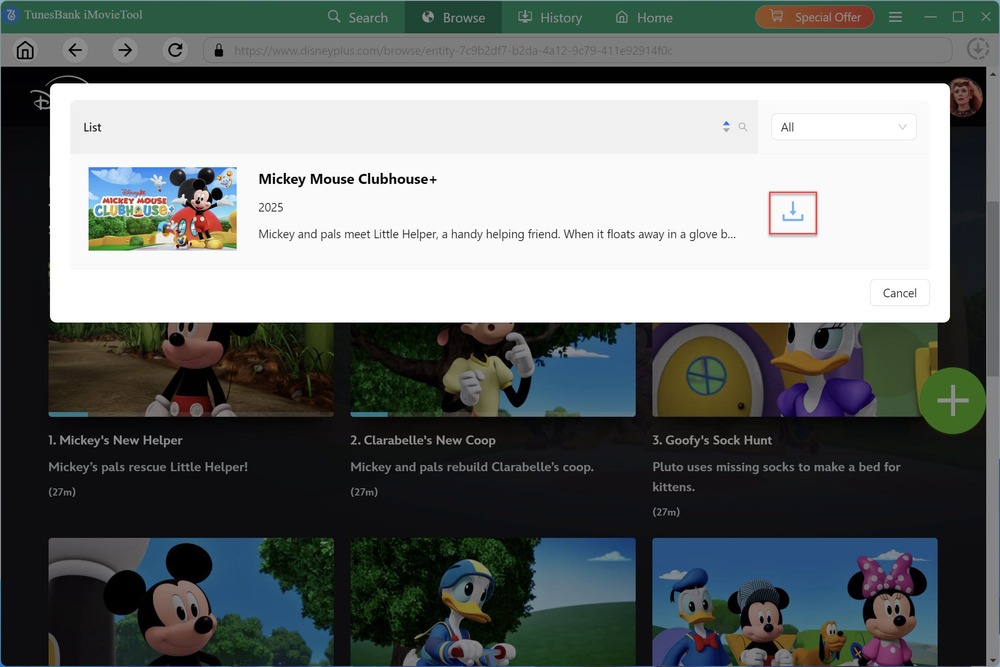
Browse Online: Browse Disney Plus directly inside iMovieTool's built-in web player to discover popular movies, new releases, or collections. Open the target video, click "+" icon and then "Download" icon to grab it directly.
Step 3. Modify Download Settings
Go to the Menu bar, and click "Preference" to open the settings panel. Choose MP4 as the output format. Select video quality up to "high 720p", and customize audio languages and subtitle options according to your preferences before downloading.
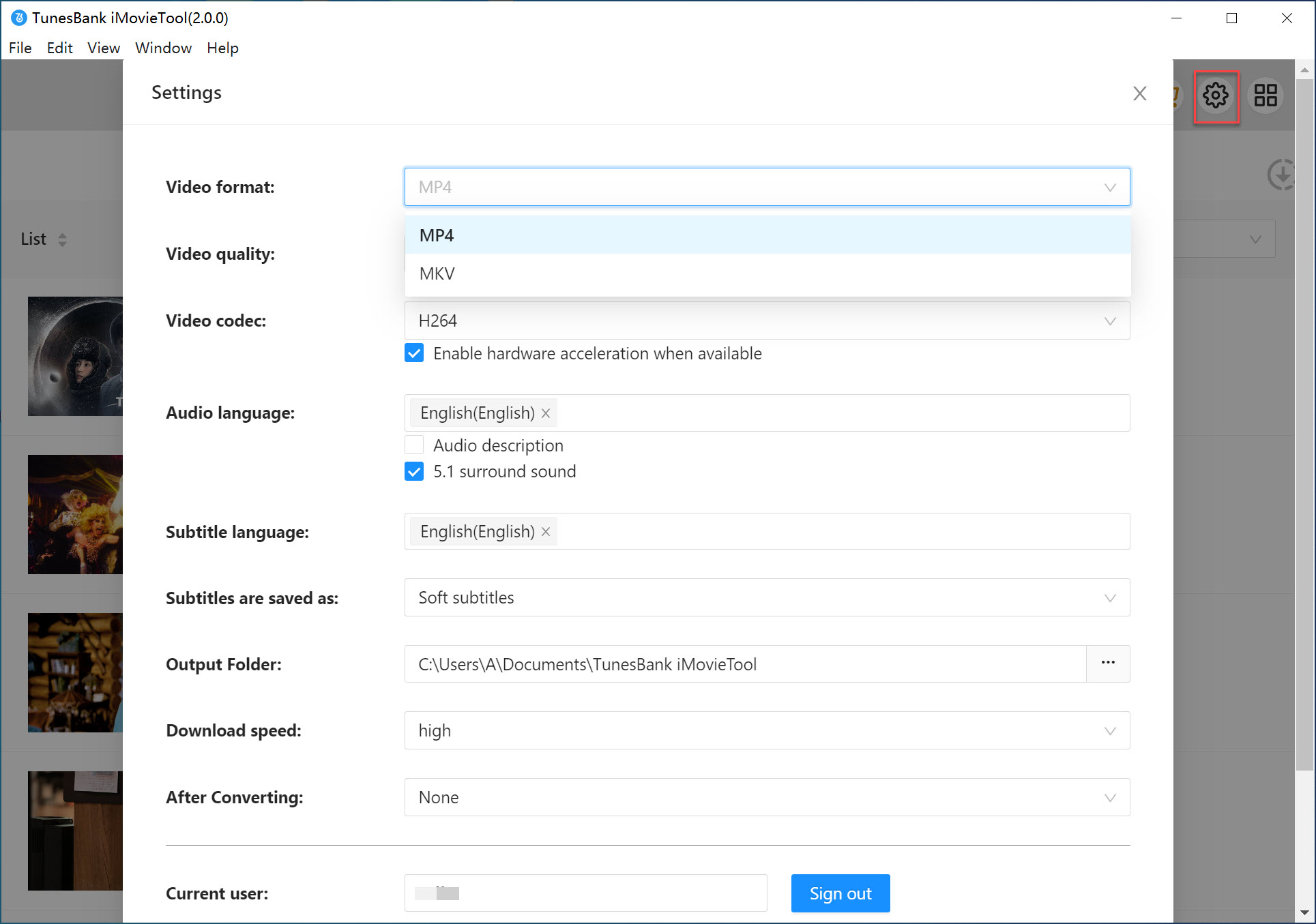
Pro-Tip for Direct Downloads: To save time and hard drive space, configure your software to download movies directly from Disney Plus to your USB drive. Simply plug in your USB drive, and set the connected USB drive as the default output folder in iMovieTool.
Step 4. Start to Download Disney+ Movies on PC/Mac
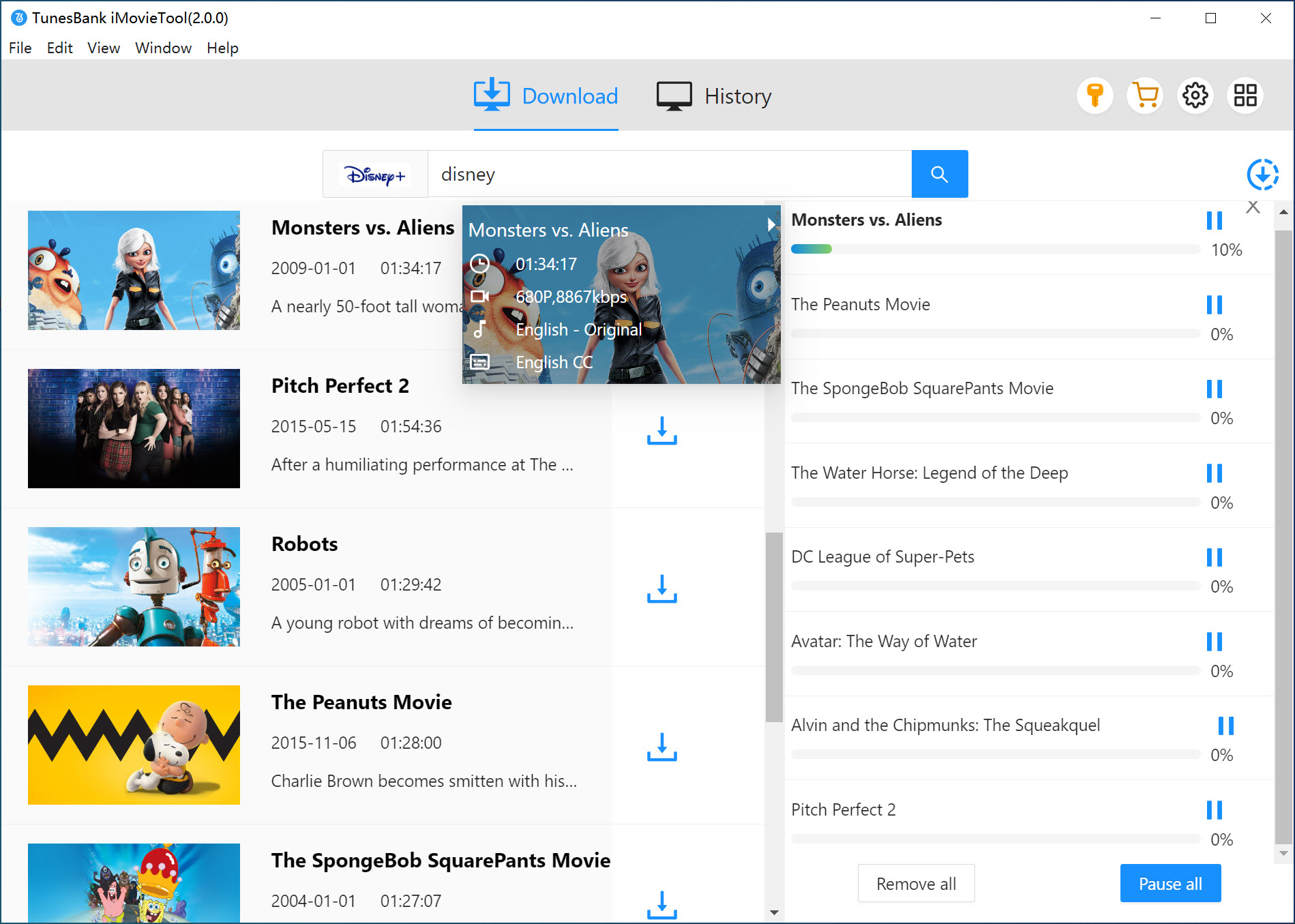
Click the "Download" button button to start downloading Disney Plus movies to your computer. If you set the USB drive as the output folder, the Disney movie will be directly exported onto the USB. iMovieTool will processes videos quickly while maintaining high quality and stable performance.
Step 5. Transfer Disney+ Movies to USB Drive
Once the download is complete, go to "History" section and click the "Blue Folder" icon to locate the MP4 files on your computer drive.
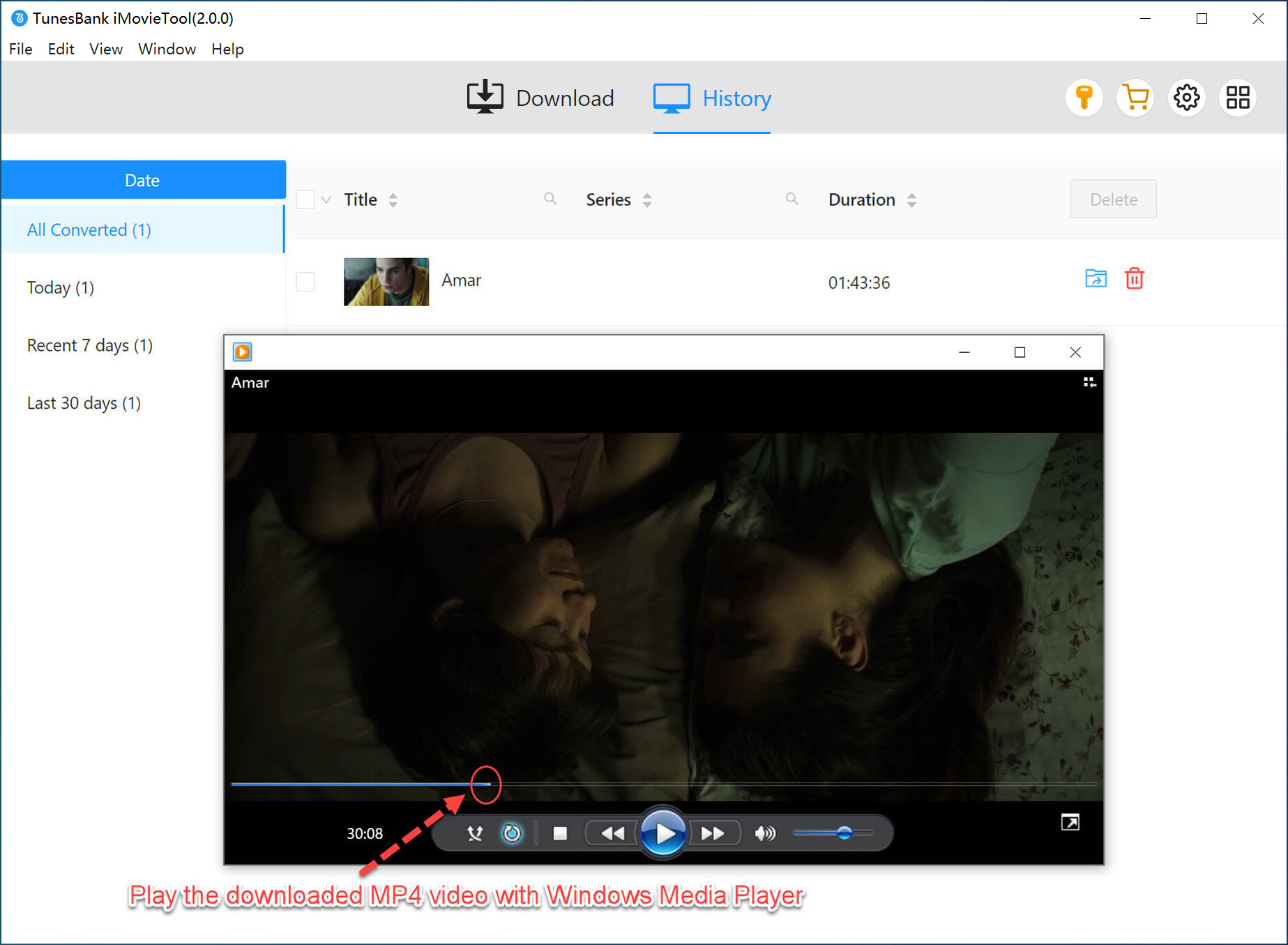
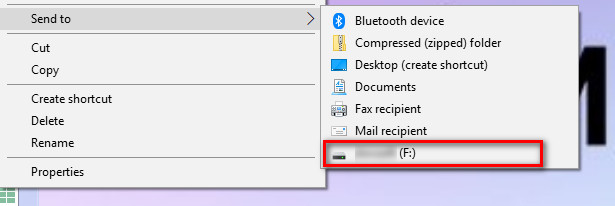
Insert your USB drive and simply copy the Disney Plus movies onto it for permanent storage and playback.
Conclusion
With the help of iMovieTool Disney Plus Video Downloader, downloading Disney Plus movies to a USB drive can be much easier than before. You no longer need to install a Disney Plus app. It enables you to download Disney Plus movies, TV series, and other content with HD resolution, 550X fast download speeds, and a convenient one-click batch download feature, all of which give you a smooth Disney Plus to USB experience. You can save the Disney Plus videos in a USB drive permanently and enjoy them anywhere. Click the download button below and try iMovieTool today!
iMovieTool Disney Plus Video Downloader
Download Disney Plus Video for Offine Watching!
Comments
Sorry the comment has been closed.
Comments are off!